Topics remote work · hybrid · office IP · work from home
Remote & in-office monitoring
Compare remote and in-office activity using office IP assignments and location-aware views.

Deep dive
The complete guide
A structured walkthrough of remote & in-office monitoring—from definition to rollout.
What is remote & in-office monitoring?
This capability tags employee activity by network location—matching IP ranges to offices so you can compare remote and on-site patterns side by side.
DreamHR-Ai shows whether hybrid policies are actually followed and if productivity differs by location.
Why location-aware data matters
Executives invest in offices while many employees work from home. Without split views, lease and policy decisions rely on anecdotes.
Fair hybrid management requires the same metrics in both environments.
When to use it
Use remote/in-office monitoring when mandating office days, rightsizing real estate, or investigating uneven team output across sites.
Global teams with multiple offices map each IP block for accurate rollups.
How DreamHR-Ai maps locations
Assign office IPs to sites in admin settings. Agents tag sessions automatically—no GPS tracking on personal devices.
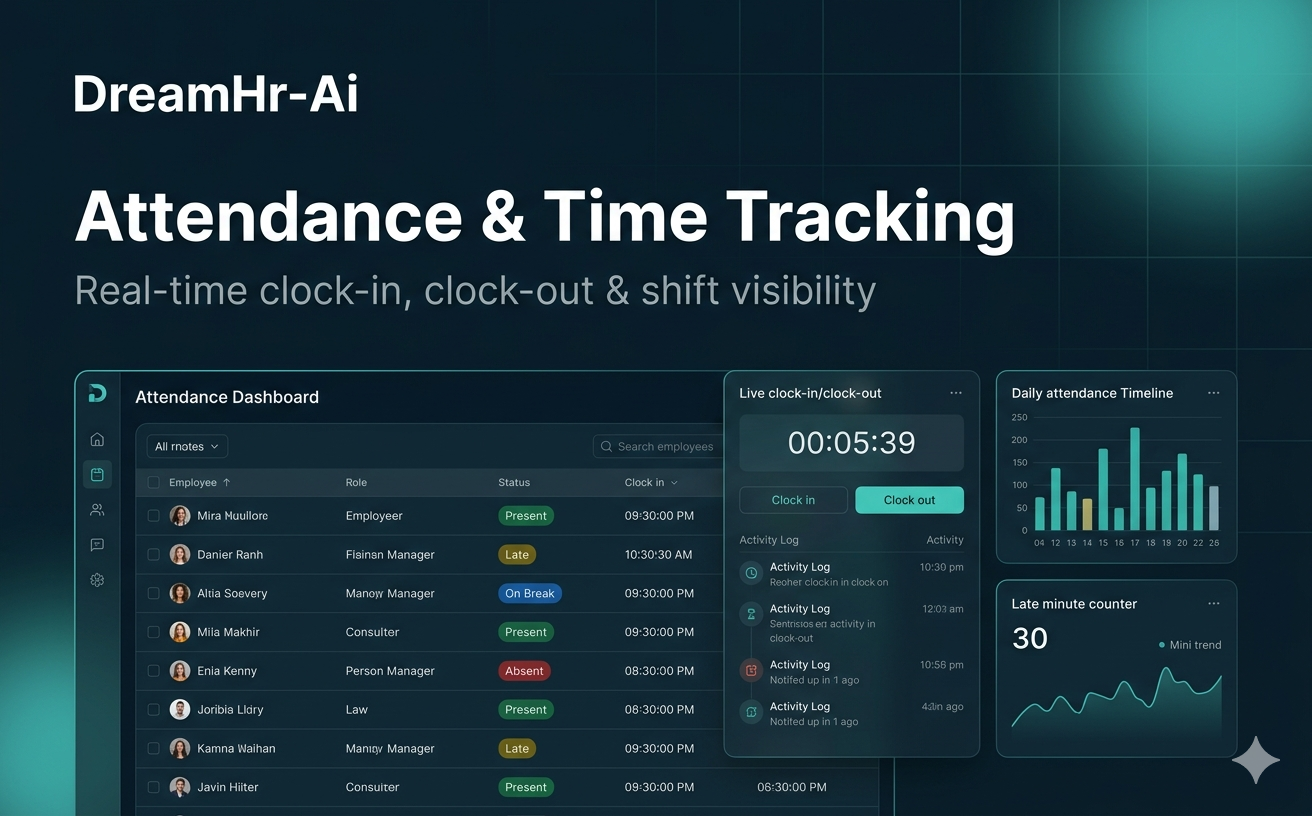
Compare attendance, active time, and productivity in unified tables and charts.
Outcomes
Key benefits
- 01
Evidence-based hybrid policy decisions
- 02
Per-office and remote benchmarking
- 03
No invasive location tracking on phones
- 04
Supports multi-site enterprises