Topics internet usage · web monitoring · URL tracking · online meetings
Internet use monitoring
Monitor websites, meeting time, and online activity with context—not just raw URLs.
Deep dive
The complete guide
A structured walkthrough of internet use monitoring—from definition to rollout.
What is internet use monitoring?
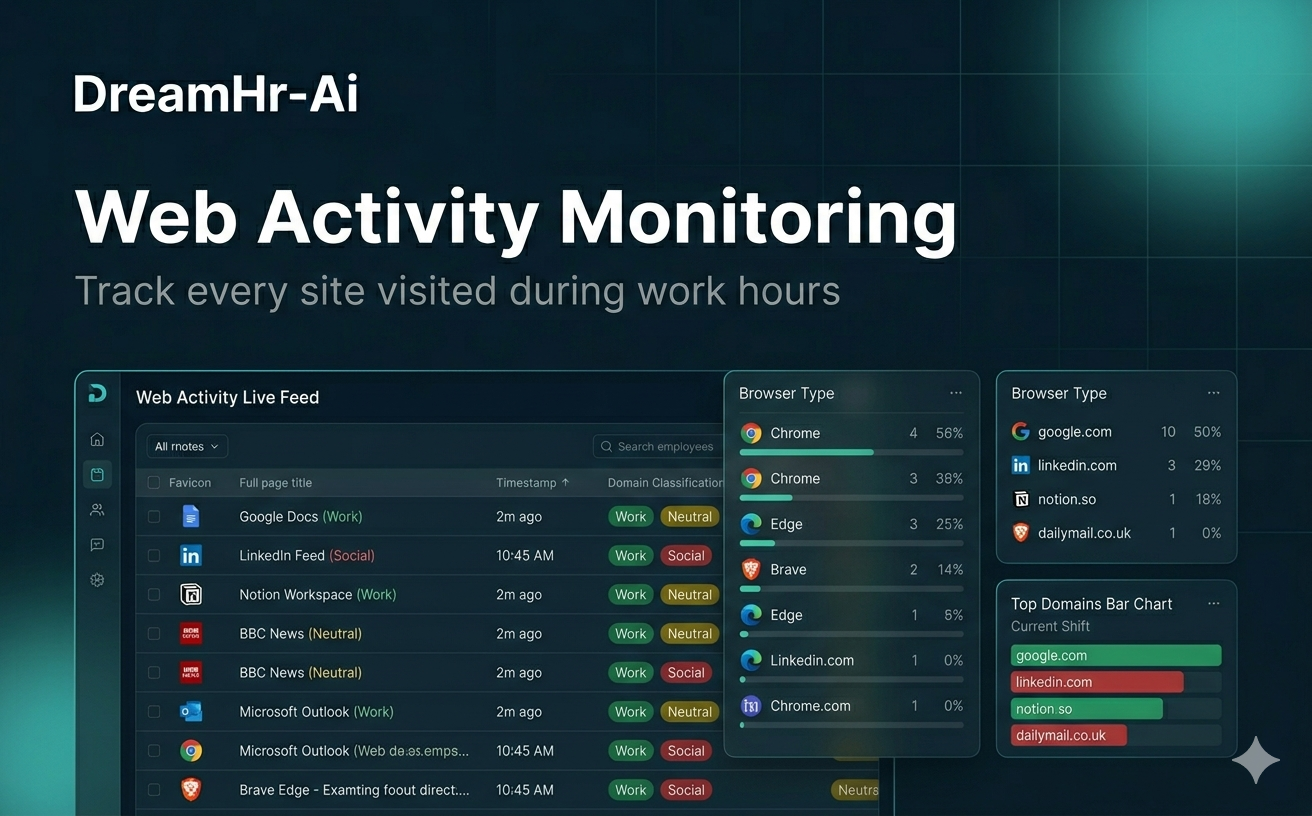
Internet use monitoring catalogs websites visited, time spent in online meetings, and categorized web activity during work hours.
DreamHR-Ai classifies sites as productive or unproductive according to your policy—not a one-size-fits-all block list.
Why monitor web activity
Bandwidth, security, and focus all tie to browsing behavior. Leaders need context: research vs. distraction, client tools vs. personal shopping.
Transparent policies plus summarized reporting reduce culture clash.
When to implement it
Implement web monitoring when phishing risk rises, productivity scores fall, or compliance requires proof that only work-related sites dominate work hours.
Customer support and sales teams often need meeting-time metrics alongside URLs.
How DreamHR-Ai reports web use
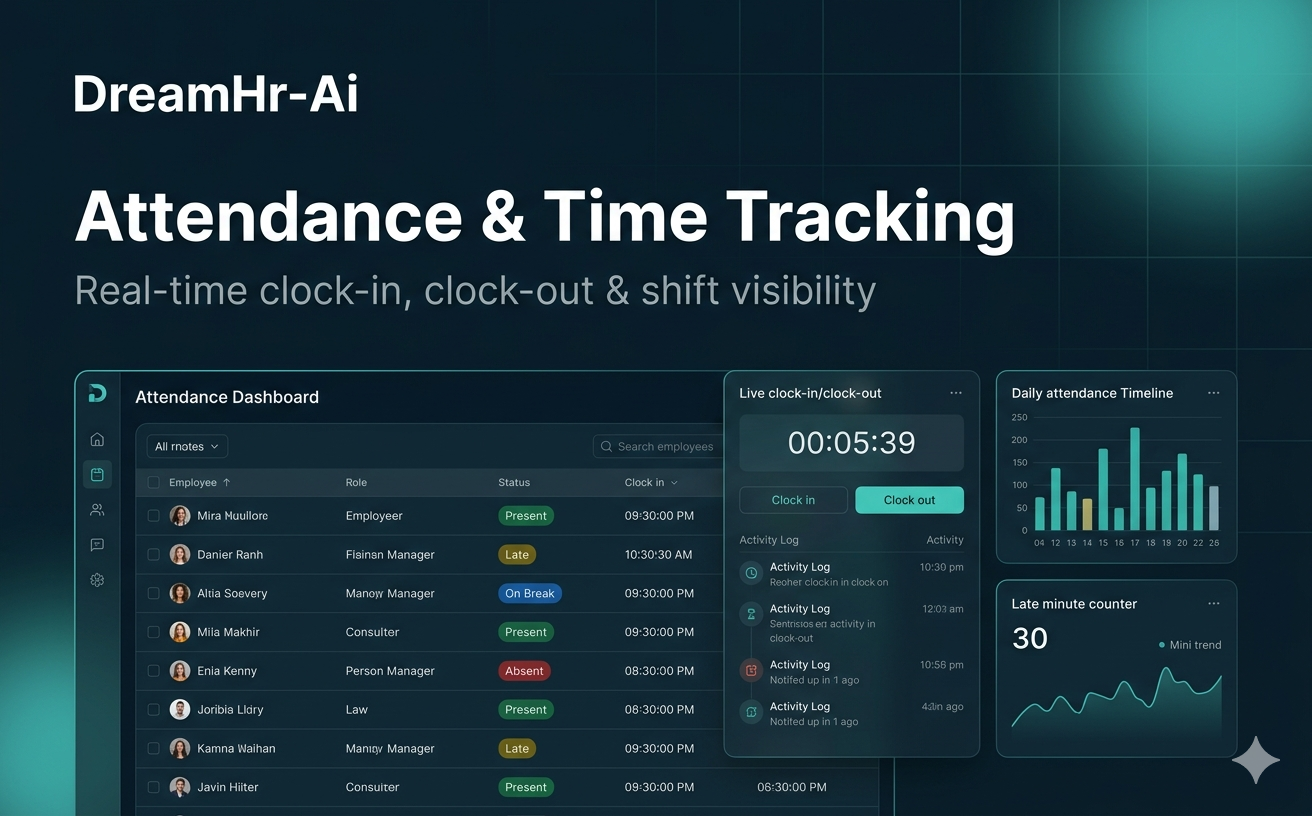
Agents log domains and durations, highlight top unproductive sites, and track meeting platforms separately.
Managers receive green-screen style summaries instead of invasive full-page recordings.
Outcomes
Key benefits
- 01
Policy-based productive/unproductive labels
- 02
Meeting time visibility
- 03
Security and policy enforcement support
- 04
Summarized, privacy-conscious reporting