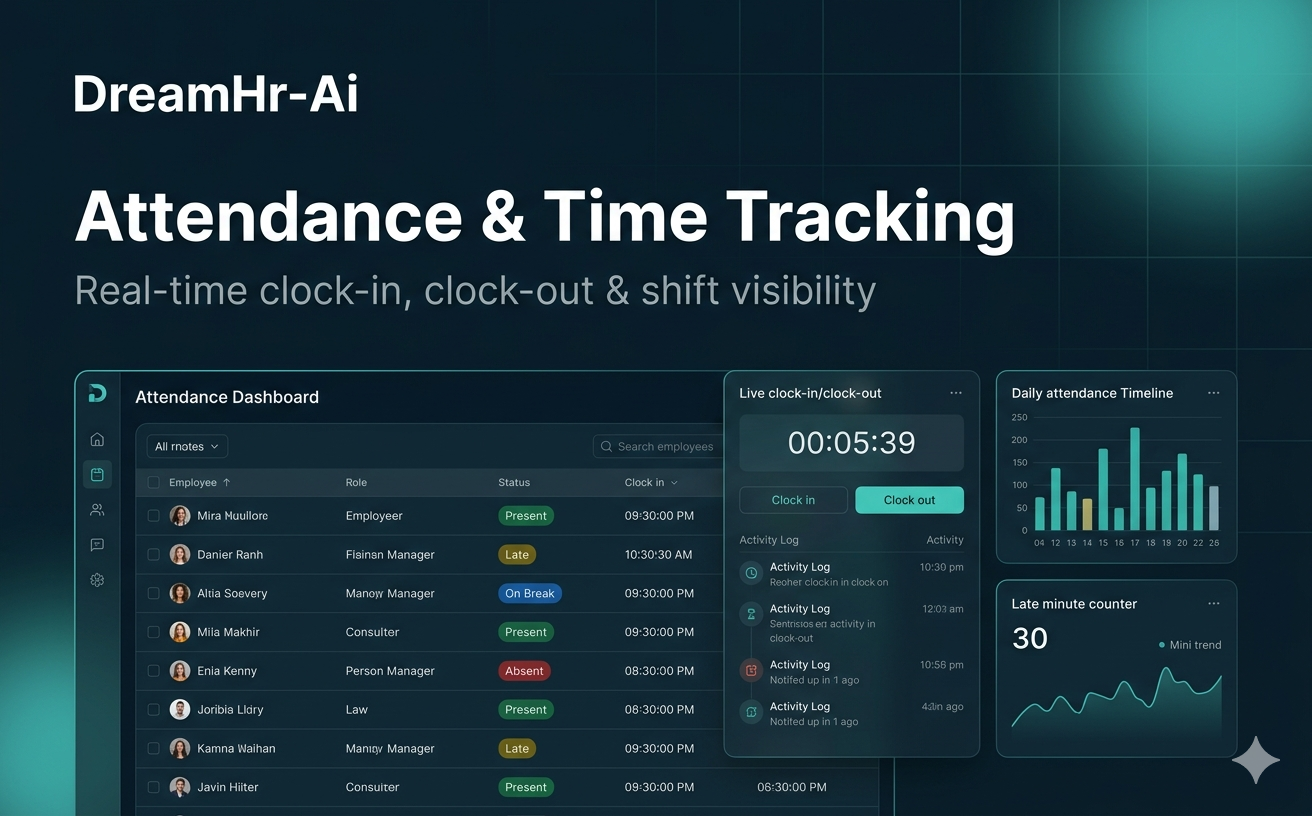
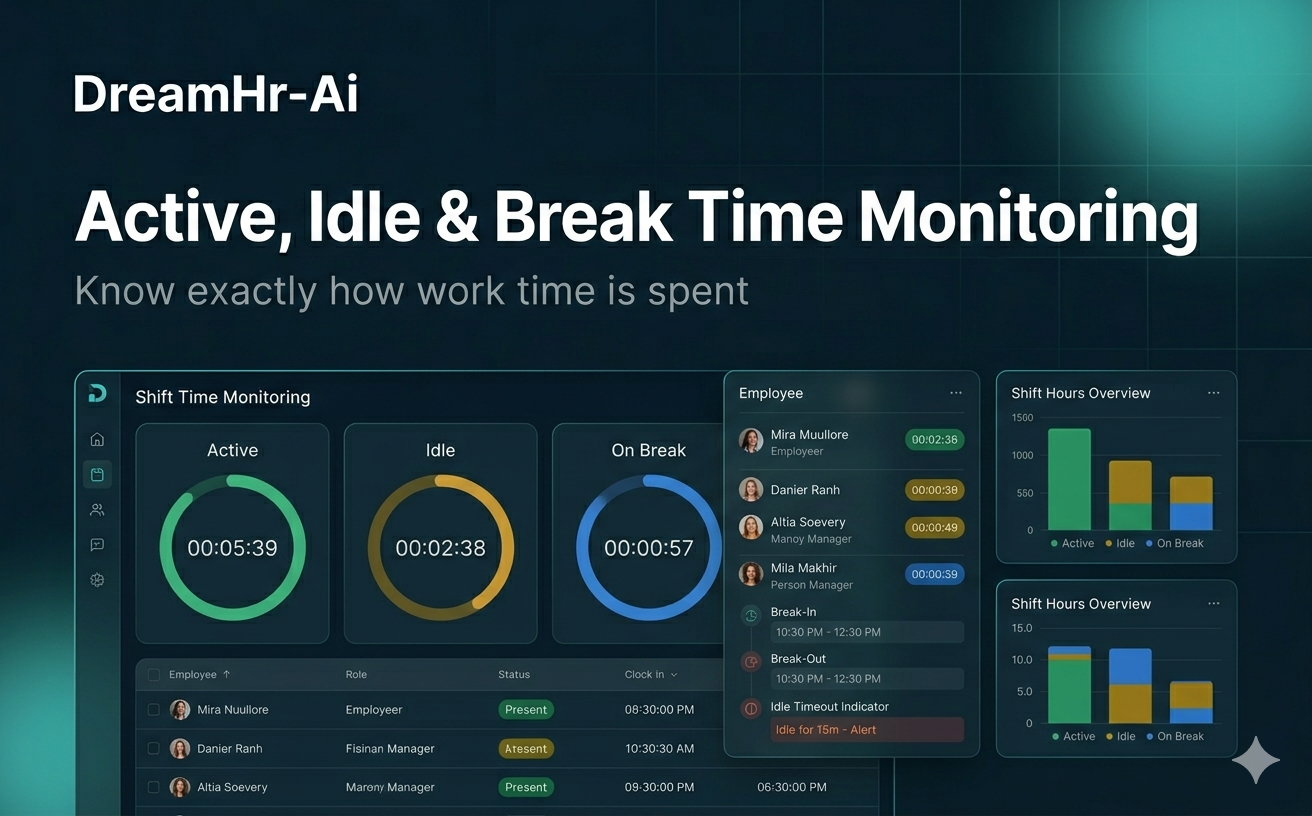
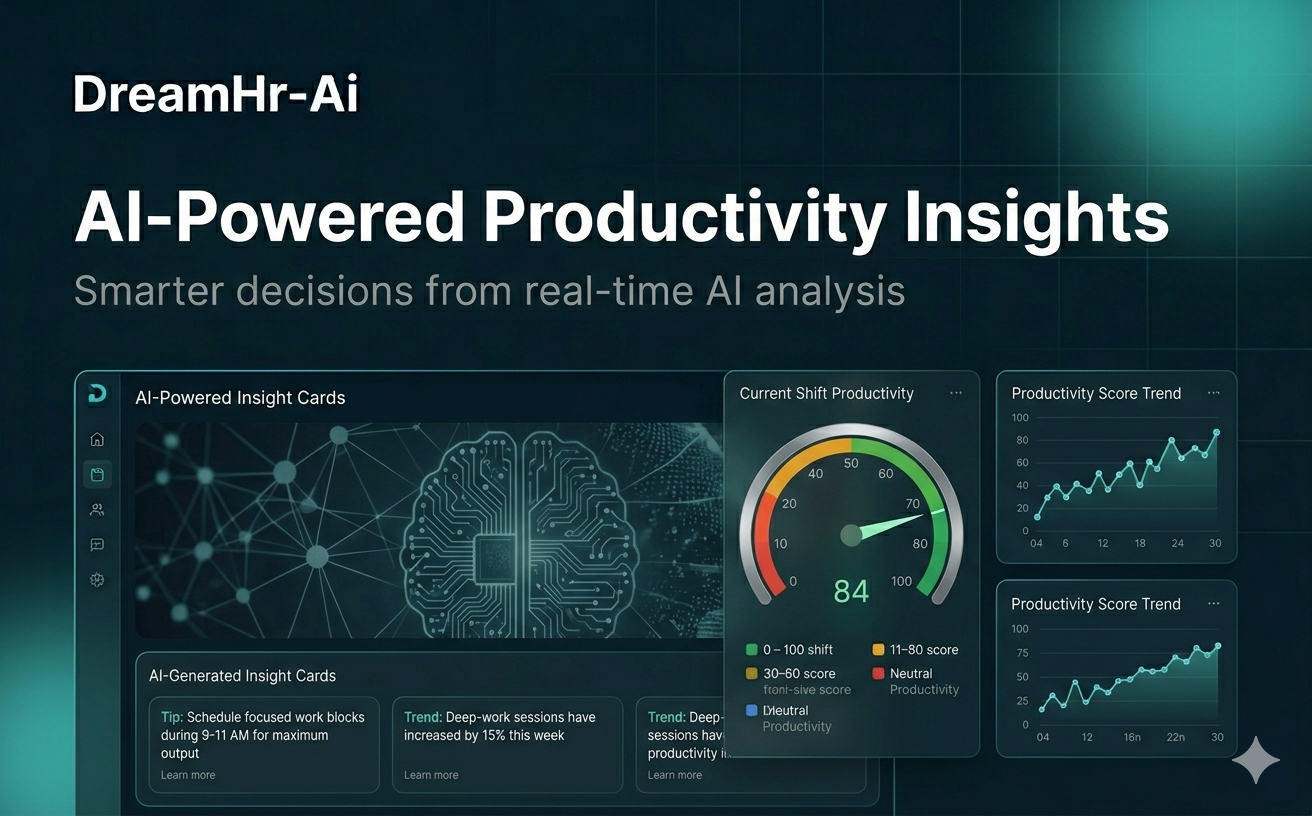
Topics live view · remote monitoring · real-time visibility · shift time
Live view
See what remote employees are doing in real time—only during scheduled shift hours, with responsible, non-invasive visibility.
Deep dive
The complete guide
A structured walkthrough of live view—from definition to rollout.
What is Live View?
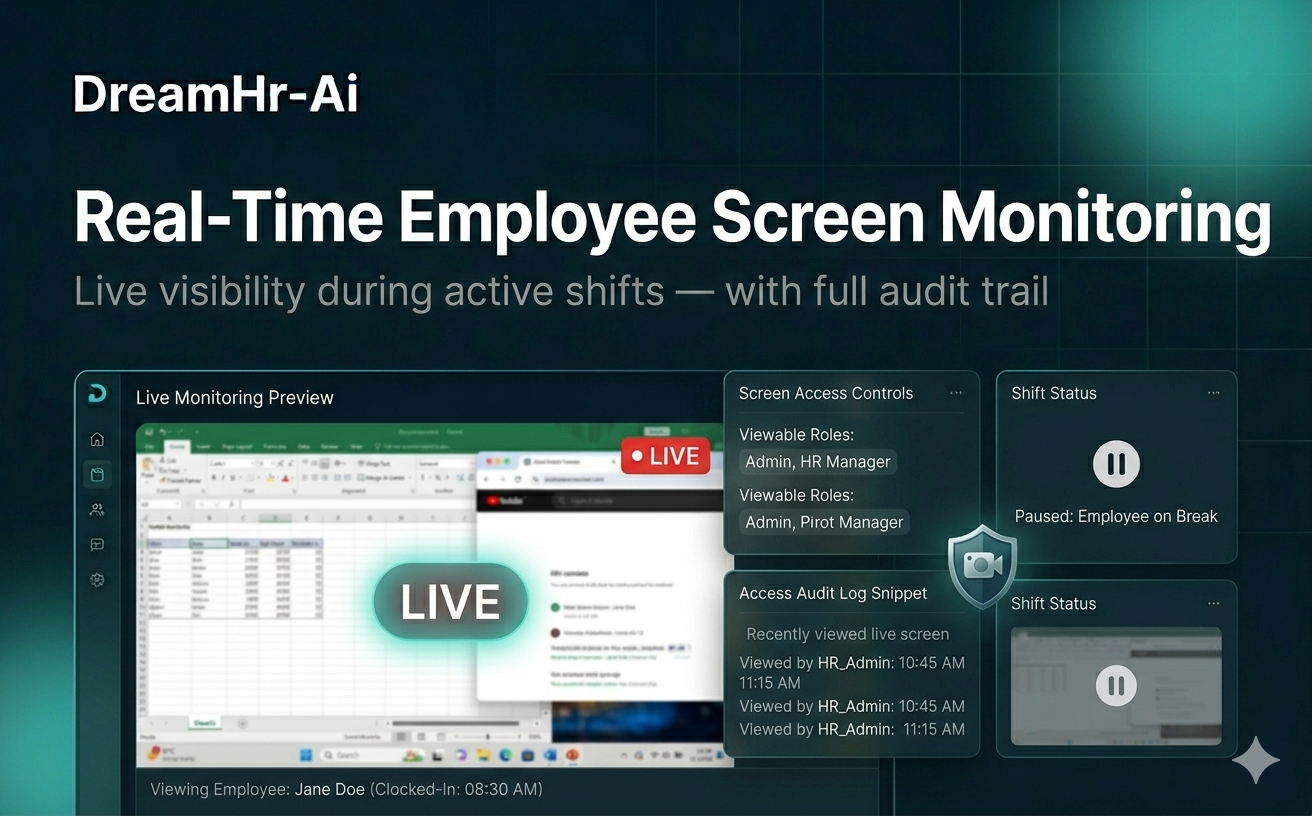
Live View lets authorized managers see what a remote employee is doing on their work machine in real time—current application, activity status, and session context—while that user is inside their scheduled shift window.
Unlike always-on surveillance, DreamHR-Ai limits Live View to shift hours and role-based permissions so visibility matches policy, not curiosity.
Why Live View matters for remote teams
Distributed teams lose the informal floor check managers once had. Live View restores situational awareness when coverage is critical—onboarding, support queues, or deadline weeks—without waiting for end-of-day reports.
It helps confirm remote staff are available and engaged during paid shift time, while keeping the experience transparent and policy-bound.
When to use Live View
Enable Live View when you manage remote or hybrid employees across time zones and need confirmation of active work during defined shifts.
It is ideal for team leads handling live operations, training new hires remotely, or investigating attendance gaps—always paired with clear employee notice and shift schedules.
How DreamHR-Ai Live View works
Managers open Live View from the dashboard, select a user on an active shift, and see a real-time activity feed—what app is in focus, active vs. idle state, and session timing tied to the roster.
Access is logged, shift-gated, and designed to replace invasive screen recording; optional policies can require employee acknowledgment before viewing.
Outcomes
Key benefits
- 01
Real-time visibility for remote users during shift time only
- 02
Faster coaching and coverage decisions without screenshot walls
- 03
Shift-aware access reduces off-hours monitoring risk
- 04
Audit-friendly manager view logs for compliance