Topics productivity · performance management · analytics · KPIs
Productivity monitoring
Set productivity targets and monitor progress with dashboards managers actually use.
Deep dive
The complete guide
A structured walkthrough of productivity monitoring—from definition to rollout.
What is productivity monitoring?
Productivity monitoring measures how effectively work time translates into outcomes—using active time, application categories, and goals rather than vague impressions.
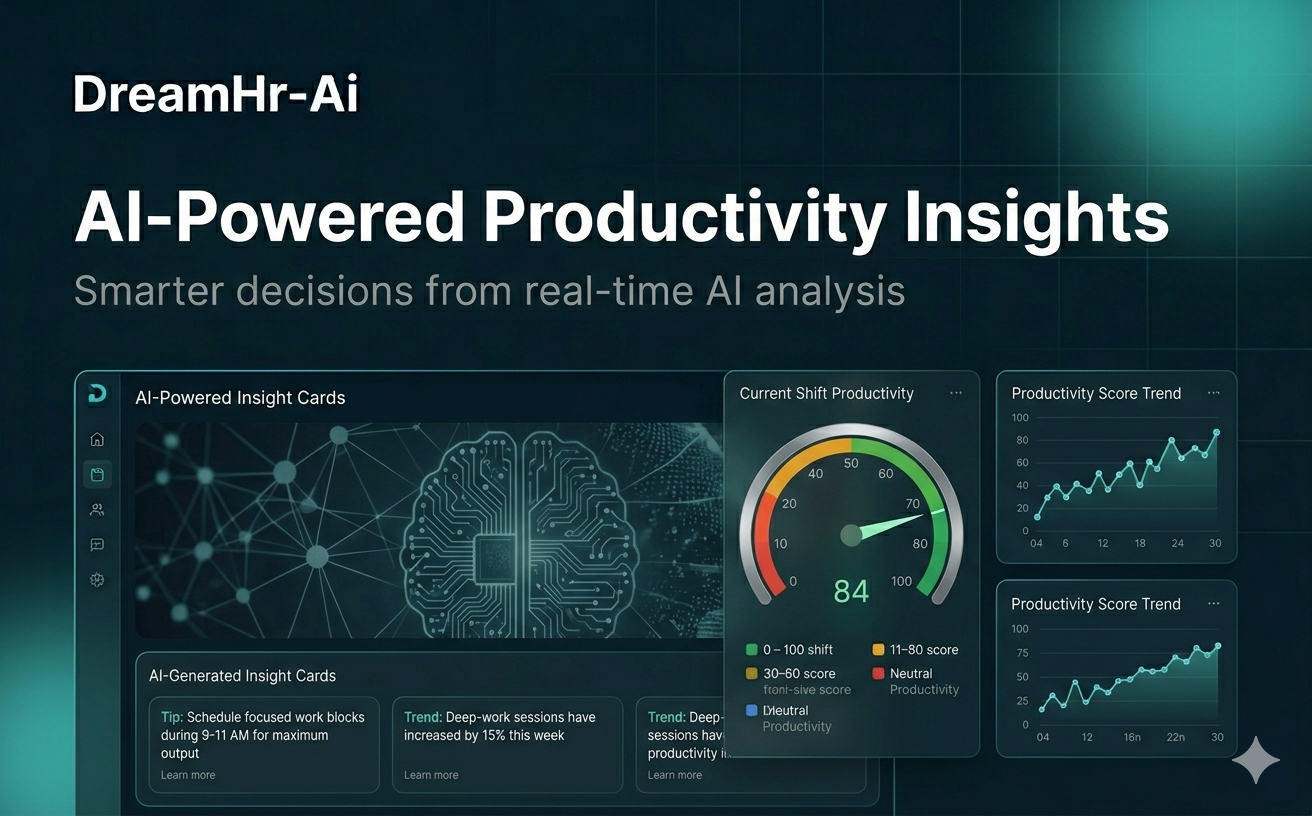
DreamHR-Ai scores productive vs. unproductive activity based on policies you define, displayed in green-screen style reports.
Why productivity visibility helps
Teams miss targets when leaders lack leading indicators. Productivity data supports coaching, hiring, and realistic planning.
Done ethically, it builds trust: everyone sees the same numbers.
When to adopt productivity tracking
Introduce it when OKRs slip, client delivery suffers, or you need benchmarks before restructuring teams.
Also useful after tool rollouts—to confirm adoption, not just licenses purchased.
How DreamHR-Ai delivers insights
Set productivity goals by role or team. Dashboards show daily scores, top apps, and trends versus targets.
Non-invasive reporting replaces screenshot walls with summarized, policy-based classifications.
Outcomes
Key benefits
- 01
Goal-driven productivity scores
- 02
Actionable coaching conversations
- 03
App and website category insights
- 04
Ethical, transparent reporting