Topics active time · idle time · productivity · focus tracking
Active/idle time monitoring
Measure focused computer time vs. idle time and align expectations with clear active-time goals.
Deep dive
The complete guide
A structured walkthrough of active/idle time monitoring—from definition to rollout.
What is active/idle time monitoring?
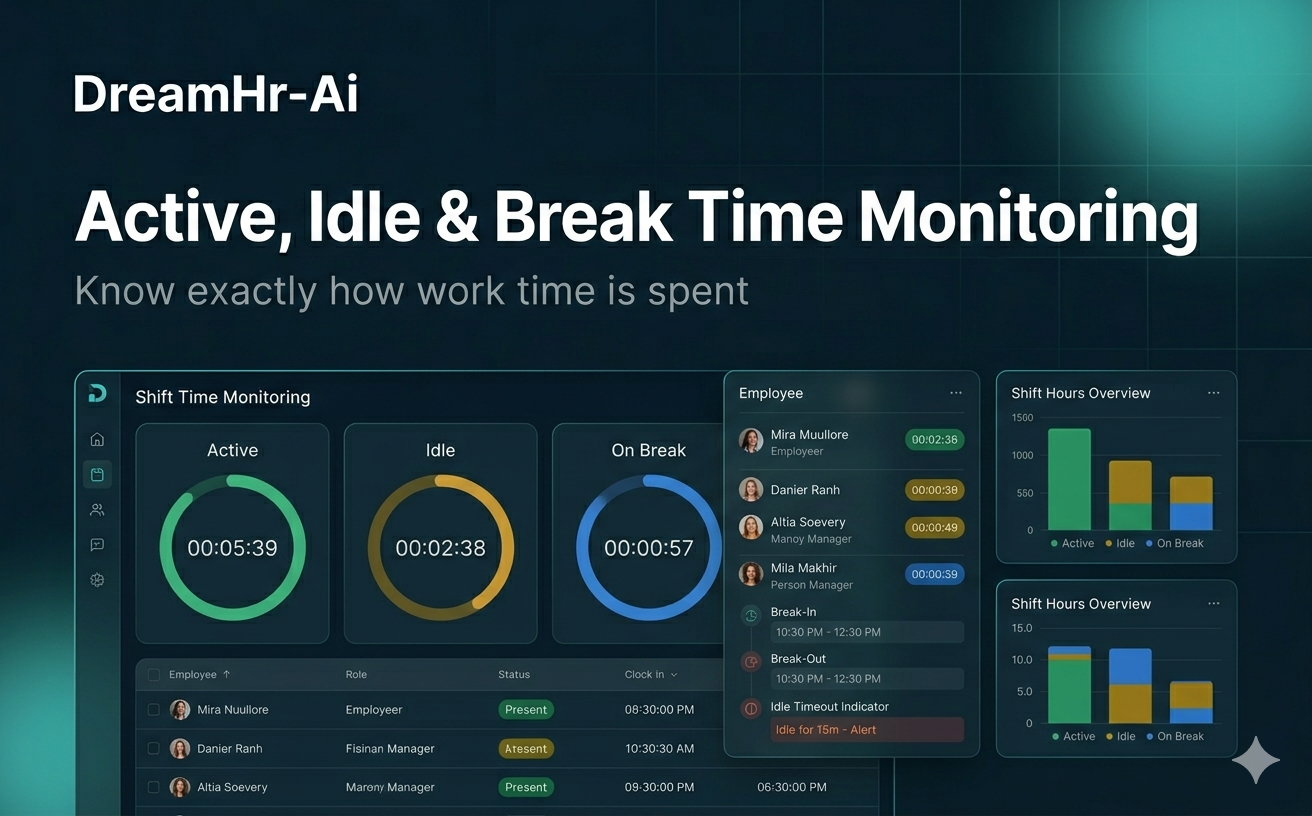
Active time is when an employee is engaged with their computer; idle time is when the machine is on but no meaningful input occurs for a defined period.
DreamHR-Ai separates the two so productivity conversations reference focus time—not just hours the laptop was open.
Why measure active vs. idle time
Login duration alone overstates output. Idle-heavy days may signal burnout, tooling issues, or meetings—not laziness.
Leaders need fair metrics that reward real work while respecting breaks and think time.
When it is most useful
Use active/idle tracking when rolling out productivity goals, investigating underperformance, or right-sizing headcount for knowledge-work teams.
It pairs well with hybrid policies where managers cannot physically see desks.
How DreamHR-Ai implements it
Configurable idle thresholds align with your culture—short breaks stay human, extended idle rolls into reports.
Dashboards show active-time goals, trends, and outliers by team without keystroke logging or invasive capture.
Outcomes
Key benefits
- 01
Fairer productivity baselines
- 02
Early signals of disengagement or overload
- 03
Goal-based active time targets
- 04
Non-invasive, policy-aligned measurement